
How to Open an Account at Rise.ai
What You'll Find HereSetting up an account at Rise.ai is simple, but there are a few important steps to follow—especially if you want a development account without a paid plan. This guide walks you through creating development accounts, regular accounts, adding sales channels, and understanding your account configuration.
Development Accounts (No Plan Needed)
1.
With a Dev/Test Shopify StoreIf you have or plan to install a Dev/Test Shopify store, the store receives an affiliate plan from Shopify. Rise.ai will approve this plan automatically—no additional intervention needed.
2.
Without a Dev/Test StoreIf you don't have a Dev/Test store and need a development account without a plan, email partnership@rise-ai.com. The team will create a development account ready for testing and integration work.
Creating a Regular Account
1.
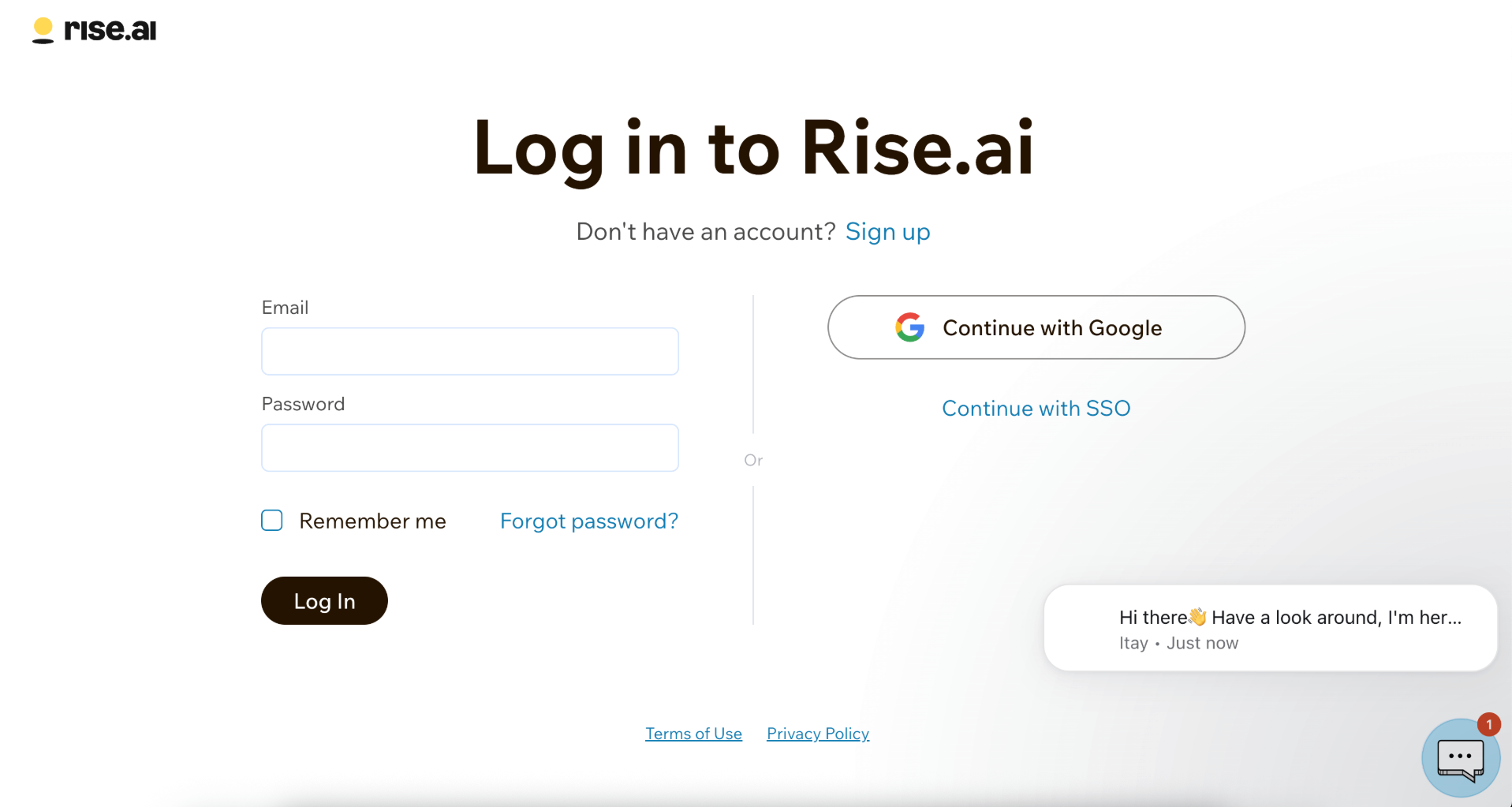
Navigate to Rise.ai PlatformGo to https://platform.rise.ai/ - you will land on the login page.
2.
Click Sign UpClick "Sign up" (next to "Don't have an account?").
3.
Choose Your Sign-Up MethodChoose to sign up either using SSO, or by creating a username + password.
4.
Verify Your EmailComplete the email verification process sent to your inbox.
5.
Log In with Your CredentialsLog in using your new credentials.
6.
Add Business InformationOn your first login, you'll be asked to Add your business information.
🎉 Account Created!That's it—you now have a Rise.ai account!
Add a Sales Channel (Required for Every Account)
1.
Understand Sales ChannelsEvery Rise.ai account must have at least one sales channel. A sales channel is the platform where you will sell gift cards, redeem balances, and issue funds to wallets.
• Shopify• Wix• Square• …and more
2.
If You Already Have a Test/Dev StoreFor example, if you have a Shopify development store:
• Choose the Shopify option inside Rise.ai• Connect the Rise.ai app to your store
Happy Hunting! 🎯You're now fully equipped to create, configure, and use a Rise.ai account—whether for production or development.